

Running Low on Cooking Oil Get in Minutes with Our Quick Grocery Delivery App
With increasing awareness of the importance of using the correct ingredients in daily diets, people have become very conscious about their choice of kitchen essentials, including cooking oil.
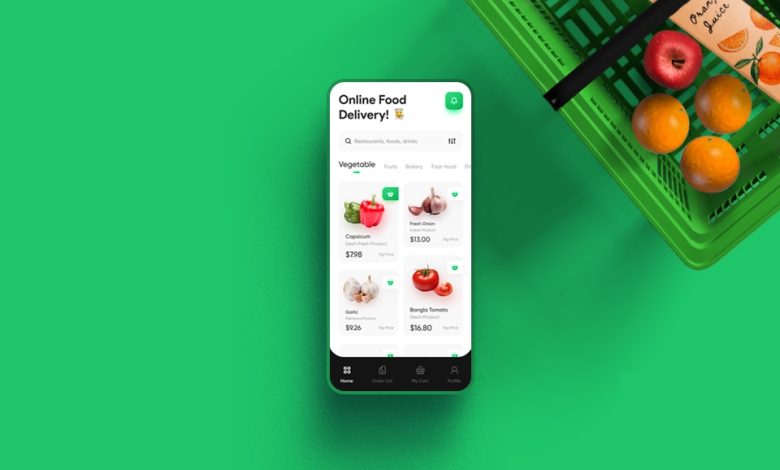
Cooking oil is one of the most important kitchen essentials for preparing your favourite dishes. Thus, it is necessary to choose the right one and keep it in stock at all times. If you are running low on cooking oil and planning to order online, try exploring different groceries delivery apps to get the product delivered instantly to your doorstep.
Here, we offer a short guide on how to choose cooking oil for your next groceries delivery and tips on how to order it online without any hassle.
How To Choose the Best Cooking Oil For You and Your Family?
When choosing suitable cooking oil for your kitchen, you must carefully assess several aspects. Here’s everything you need to know.
- You must avoid oils with high trans or saturated fat to keep your health in check.
- Choose oils with a high smoking point, as they are better for frying or sautéing.
- Look for the nutritional content of any chosen oil to assess its contribution to the daily diet requirements.
- Check the main ingredients, which could be corn, rice bran, olives, or flaxseeds. This will help you choose an oil that aligns with your daily cooking needs.
- Some oils, like coconut or mustard oil, have an acute flavour, so you must choose according to the dishes you want to cook to retain flavour authenticity.
Step-By-Step Guide To Order Cooking Oil for Next Groceries Delivery
- The first step is to check the app that provides services in your area. As various delivery apps have serviceable and non-serviceable areas, it’s best to research which app has the most efficient and fast delivery in your location.
- Select your 10-minute delivery app and download it on your phone. Next, sign up using a phone number or email ID and add your information, especially your address, to the app.
- Once you are logged in, go to the search bar and add cooking oil to begin. As mentioned earlier, depending on your taste, choice, consumption and budget, explore various brands and packaging options available in your groceries delivery app.
- After shortlisting the required product, add it to the cart for the selected packaging. Before checking out, it is always advisable to check if you are running low on any other grocery item that can be ordered from the app. By adding other items, the total order might be eligible for free deliveries or extra discounts.
- After adding all the required items to your 10-minute delivery app, it is time to review the cart to check all the product specifications, packaging details and quantity. Before placing a final order, you must carefully check all the products to get the correct order.
- Once you confirm your order details, select your delivery address. To get your accurate location, your 10-minute delivery app might ask for permission to access your current location. You can allow it or enter your location manually.
- For payment purposes, most groceries delivery apps have various options, such as cash on delivery, UPI, credit/debit cards, etc. You should also check the discounts/coupons section on the checkout page to find various deals on your cart items or values.
- Finally, place the order, sit back, and relax as it arrives at your doorstep. Most 10-minute delivery apps provide live tracking, which helps you know where your order has reached for timely deliveries.
Final Thoughts
In just a few steps, you can get all the groceries you need without wasting any time commuting to the nearest grocery store or waiting in long queues. If you are looking for a 10-minute delivery app, Swiggy Instamart is a good choice, as it is known for fast and hassle-free delivery.